Confirmation Email: What It Is, How to Send It + Examples That Convert?
March 9, 2026
Key Takeaways
- A confirmation email instantly establishes trust with clients by confirming actions. Out of all the email types, these get the most engagement.
- These confirmation emails should be used by businesses to automate the delivery of confirmation emails.
- A confirmation email with a clear structure increases readability and response rates.
- Confirmation emails that are well-designed can enhance customer satisfaction and retention rates.
People anticipate receiving a confirmation email as soon as they finish a purchase, sign up, or schedule a service. It gives them crucial information, also refers to what happens next, and reassures them that their action was successful.
As the confirmation emails are expected, reliable, and helpful, these emails routinely have the highest engagement rates. When done correctly, a confirmation email enhances the client experience, lowers the number of support requests, and opens up avenues for more in-depth interaction.
Businesses can automate confirmation emails with high deliverability and structured templates using modern platforms like BaseMailer.
What is a confirmation email?
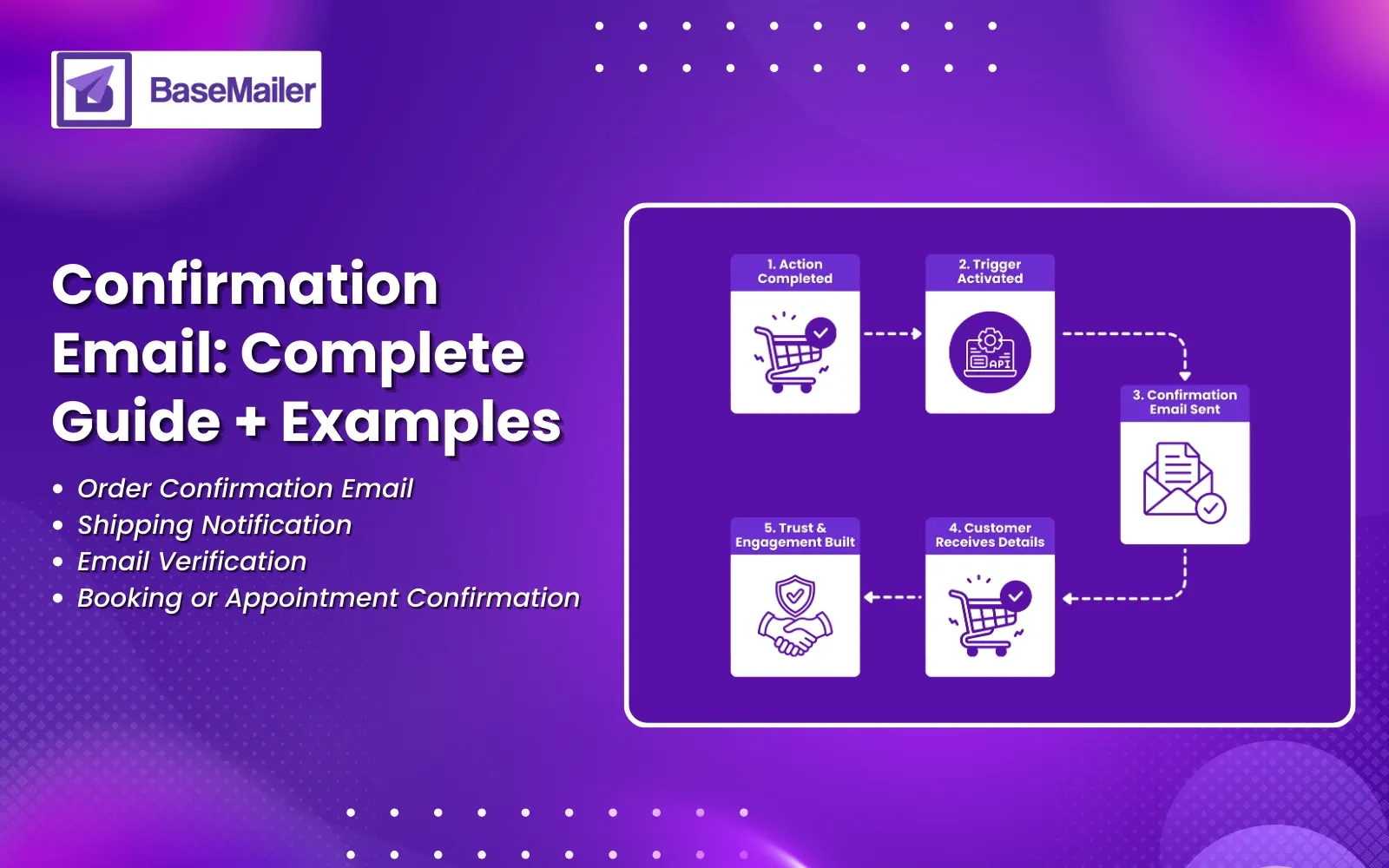
A confirmation email is an automated message that is sent right away after a user completes an action. Along with providing important details like timelines, receipts, or next steps, it validates the action.
Typical scenarios in which companies send email confirmations are:
- Order placed
- Account registered
- Payment received
- Appointment booked
- Email address verified
A clear confirmation email builds trust instantly and prevents uncertainty.
Types of Confirmation Emails With Examples
1. Order Confirmation Email
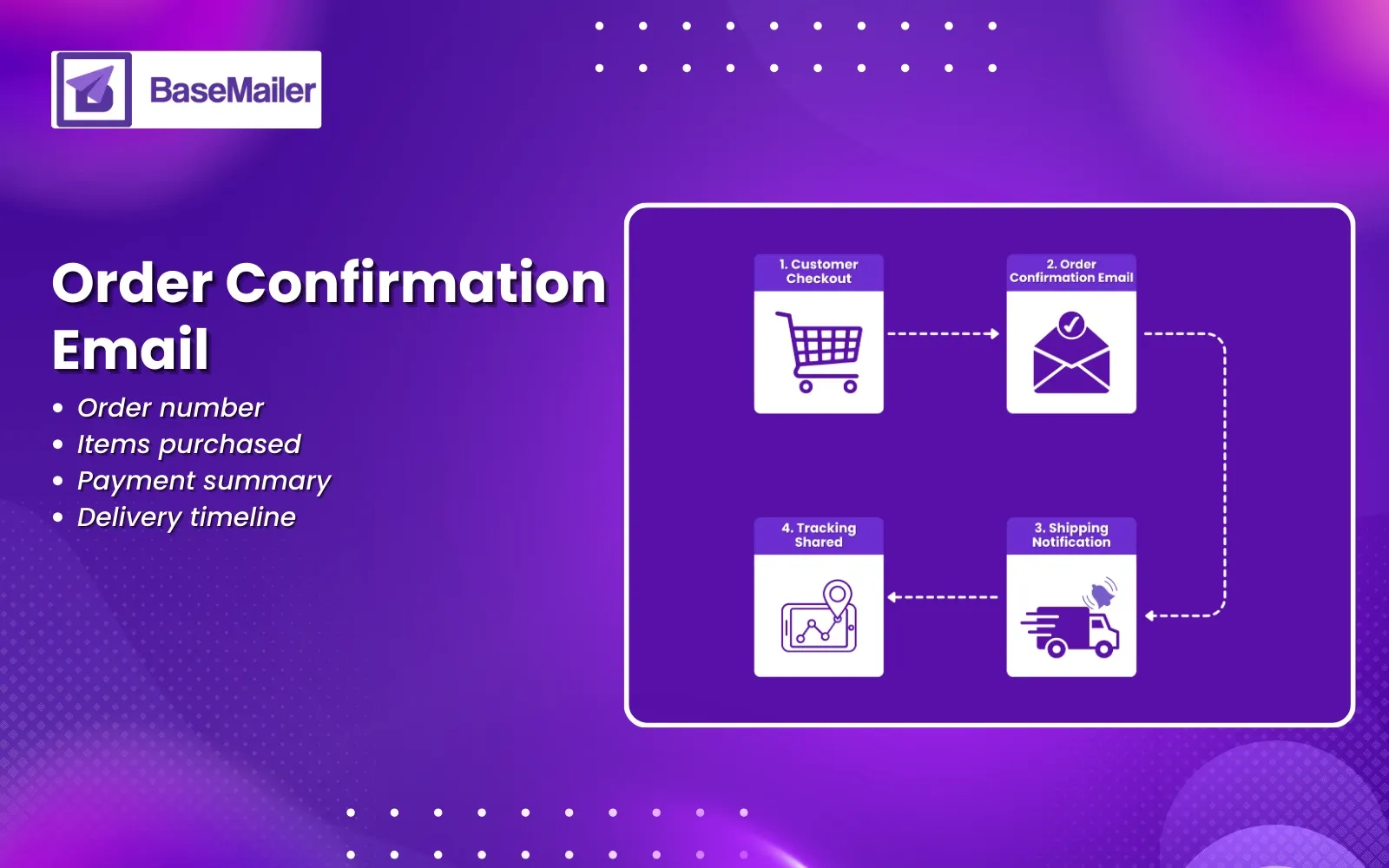
This type of email is sent immediately after checkout post product purchase.
What to include:
- Order number
- Items purchased
- Payment summary
- Delivery expectations
Example Confirmation Letter (Order)
Subject: Your Order Has Been Confirmed
Dear Alex,
Thank you for your purchase. Your order #45821 has been successfully confirmed.We are preparing your items and will notify you once they are shipped.You can review your order details below.
Best regards,
Customer Support Team
2. Shipping Notification - Example of Already Shipped Emails
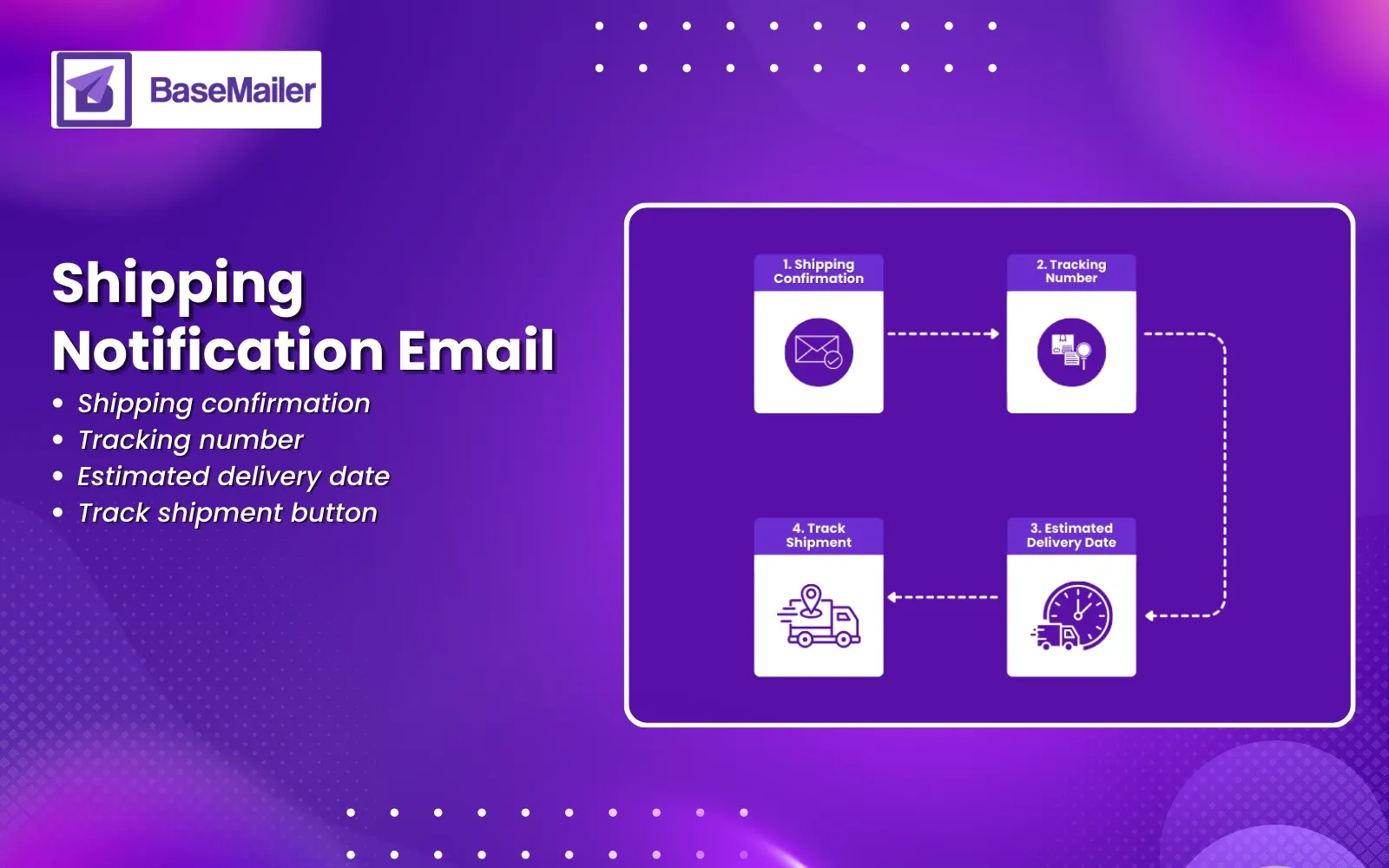
Customers always love transparency. An example of already shipped emails typically includes dispatching with confirmation and tracking information.
Example Confirmation Letter (Shipping)
Subject: Your Order Is On the Way
Hello Alex,
Great news!
Your order has already shipped.
Tracking Number: 92837465
Estimated Delivery: 3–5 business days
Track your shipment using the link below.
Thank you for your order.
3. Email Verification (Confirm Email Message)
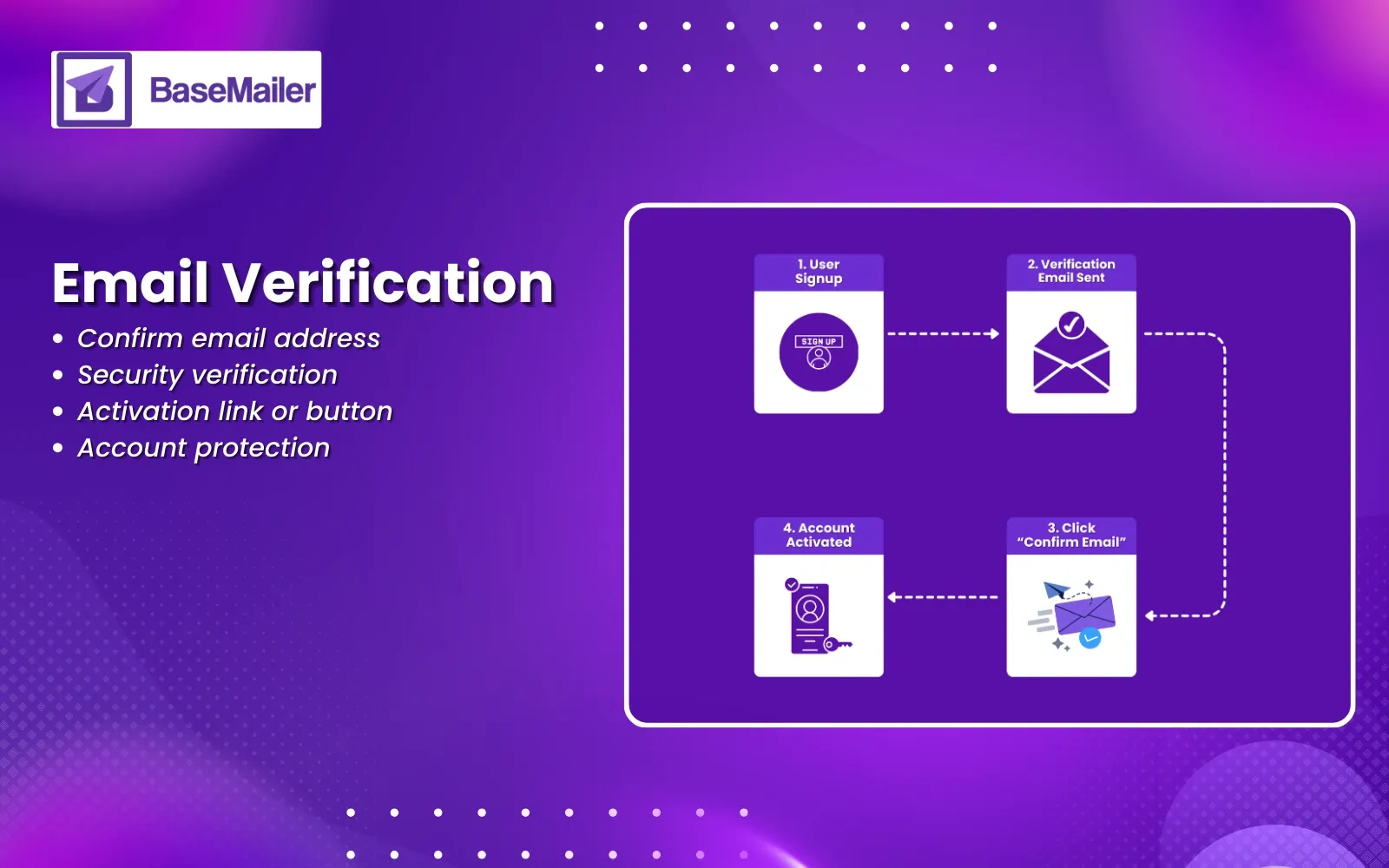
A confirmation email message ensures the user’s address is valid, secure, and the parcel is almost ready to be shipped.
Example Confirmation Letter (Email Verification)
Subject: Please Confirm Your Email
Hi Alex,
Please confirm your email address by clicking the button below.This helps us keep your account secure.
Confirm Email
If you did not create this account, please ignore this message.
4. Booking or Appointment Confirmation
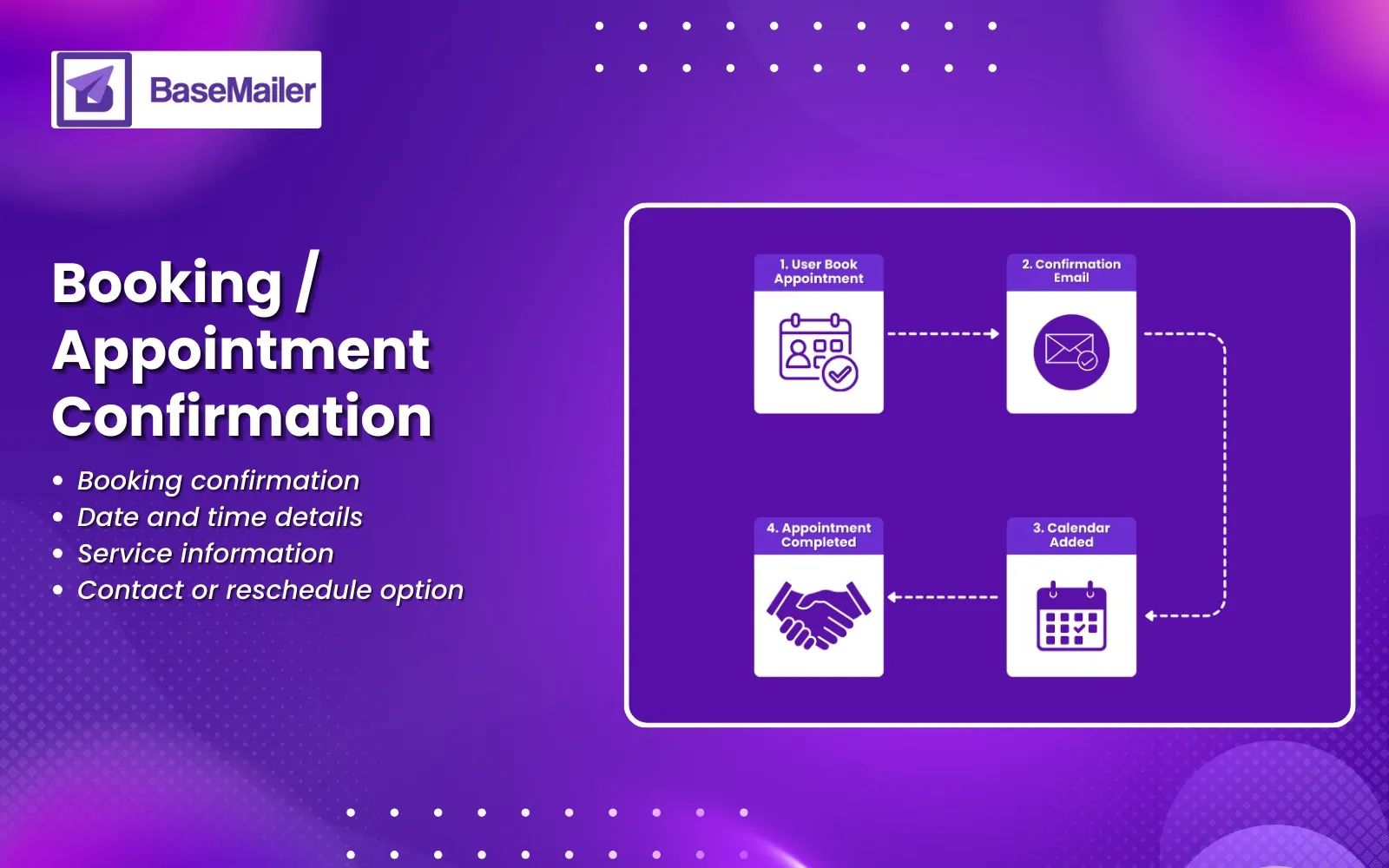
The booking or appointment confirmation email is used for services and consultations.
Example Confirmation Letter (Appointment)
Subject: Appointment Confirmed
Dear Alex,
Your appointment has been successfully scheduled.
Date: March 10
Time: 2:00 PM
We look forward to meeting you.
How to Send Confirmation Email Messages?
If you are looking for a way to send a confirmation email, you can follow this easy guide:
Step 1 - Make use of a good subject line
- Your Order Is Confirmed
- Booking Successfully Confirmed
- Payment Received
Step 2 - Follow a Simple Structure
A great confirmation email should have the following elements:
- Friendly greeting
- Clear confirmation statement
- Detailed summary
- One primary CTA
- Support information
Step 3 - Automate Delivery
Confirmation emails should be triggered by actions such as the checkout process, forms, or API triggers.
Step 4 - Monitor Performance
Monitor the open rates, clicks, and actions on the confirmation email to know your customer reach.
What to Write in a Confirmation Card?
If you are wondering what to write in a confirmation card, you can keep the message simple, warm, and reassuring.
Examples:
- “Thank you for your order. Your request has been successfully confirmed.”
- “We are pleased to confirm your booking.”
- “Your registration is complete. Welcome aboard.”
- “We appreciate your trust in us.”
Professional Email Confirmation Request Examples
These professional email confirmation request examples will help you standardize your communication:
- Meeting Confirmation Request
“Please confirm your availability by replying to this email.”
- Document Receipt Confirmation
“Kindly confirm that you have received the attached file.”
- Payment Confirmation Request
“This message confirms that your payment has been processed successfully.”
- Registration Confirmation Request
“Please confirm your registration by clicking the link below.”
What to write in a confirmation email card?
Make subject lines simple and assuring:
- Share necessary information only
- Include only one CTA
- Ensure mobile-friendly readability
- Ensure consistent branding
- Ensure accessibility with proper formatting
- Send them instantly after the action
Automation software such as BaseMailer makes all these best practices easy to implement.
Why do businesses use dedicated confirmation email platforms?
Transactional platforms have the following benefits over generic email tools:
- Confirmation email templates with structure
- Automation based on triggers
- Reliable delivery infrastructure
- Performance measurement
- API integration that is developer-friendly
This is how confirmation emails are made faster, clearer, and more reliable.
Wrapping it up!
The confirmation email is one of the most potent yet underrated business communications. It is a reassuring, relationship-building, and engagement-generating tool at the very moment when customers are most receptive to interacting with your business and using goods or services.
Confirmation emails can be made more impactful using templates, automation, and reliable delivery systems to turn simple confirmations into customer experience-building tools with the help of platforms like Basemailer.
Frequently Asked Questions!
- What is a confirmation email?
A confirmation email is an automated message that confirms the completion of an action and sends related information to customers.
- How to send a confirmation email automatically?
To send the confirmation email, use templates, triggers, automation, and testing.0
- What should a confirmation email include?
The confirmation email includes a confirmation statement, important information, next steps, and contact information.
- What is an example of already shipped emails?
Dispatch confirmation email with tracking information and estimated delivery time.
- What to write in a confirmation card?
For reassuring and appreciative words about the action and its confirmation to the customers.
- Why are confirmation emails important?
The confirm emails are trustworthy, reduce ambiguity, and are customer experience-improving tools.