Schedule Emails From Airtable In The Smart Way!
The first email is not your best email, but the one that arrives at the exact moment of an event.
Whether your audience is in NewYork, London, Sydney, or anywhere else, timing creates a huge impact on its analytics.
Basemailer helps in creating your email campaign whenever it's convenient for you and schedules delivery for that exact timezone which works best for the recipients.
Build your campaign inside Airtable, choose when it needs to be delivered, and Basemailer takes care of the rest.
What Is Email Scheduling?
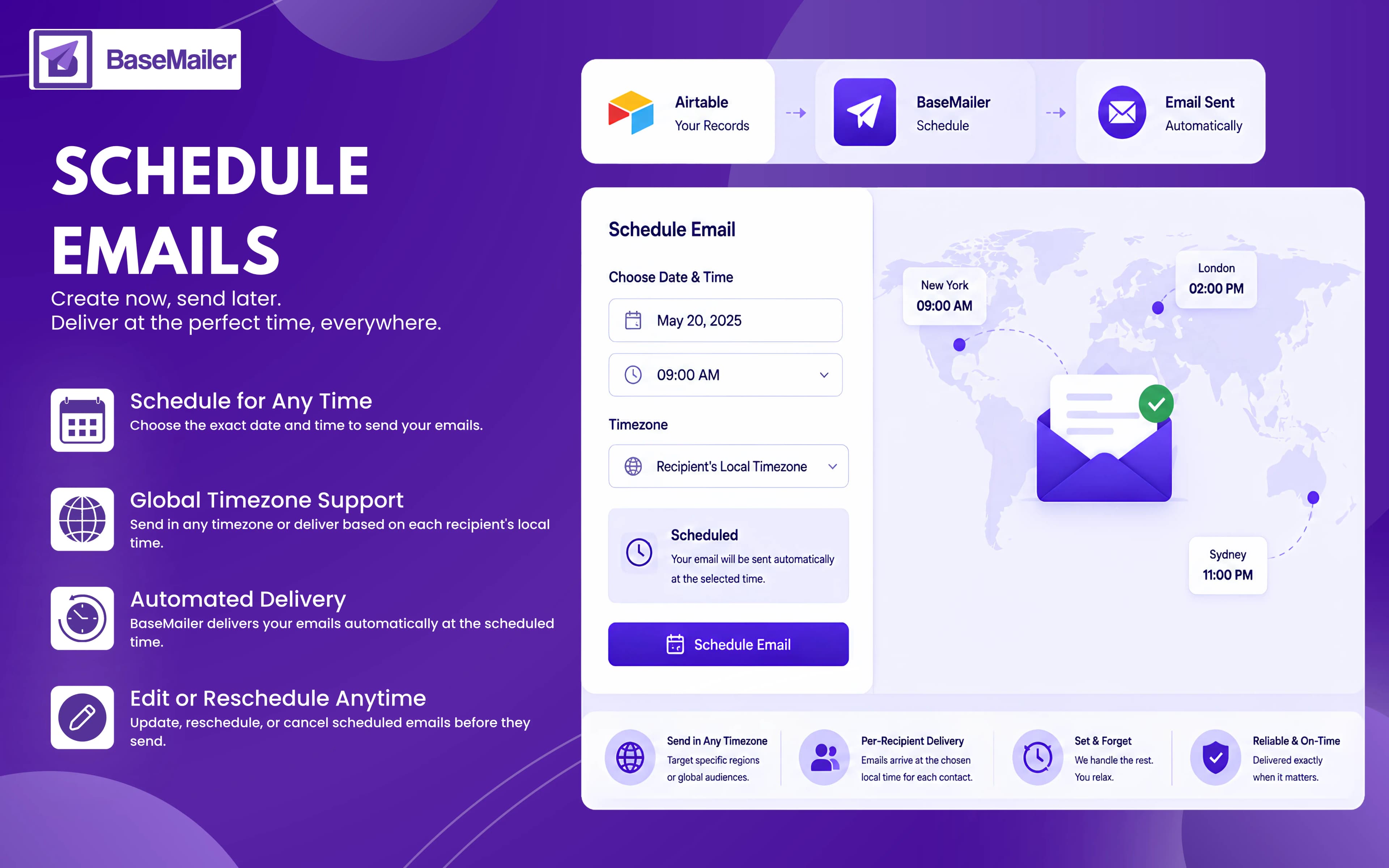
Email scheduling allows you to create a campaign now and send it automatically later.
Instead of sending immediately, simply choose a timezone when the event is likely to occur. BaseMailer queues your campaign and delivers it exactly when scheduled, even if Airtable is closed and your laptop is shut down.
Unlike basic "send later" tools, BaseMailer includes:
- Precise date and time scheduling
- Full global timezone support
- Per-recipient timezone delivery
- Scheduled sends inside automated sequences
- Edit, reschedule, or cancel at any time before sending
How Does Email Scheduling Work?
- 1
Create Your Campaign
Design your email, personalize it with Airtable fields, and select the records you want to contact.
- 2
Choose Schedule
When you're ready to send, select Schedule instead of Send Now.
- 3
Select Your Timezone
Choose exactly when your campaign should be delivered.
You can send using:
- Your Account Timezone: Perfect when all recipients are in the same region.
- A Specific Timezone: Schedule delivery for any timezone worldwide, regardless of where you're located.
- Each Recipient's Timezone: BaseMailer reads the timezone stored on each Airtable record and delivers emails at the chosen local time for every recipient.
- 4
Confirm & Relax
Review the campaign summary and confirm the schedule.
Once scheduled, BaseMailer handles everything automatically. No need to keep Airtable open or being alert.
- 5
Make Changes Anytime
Need to adjust the timing or update the content?
Scheduled campaigns can be edited, rescheduled, or cancelled at any point before delivery.
Send at the Right Time in Every Timezone!
Most scheduling tools only support a single send timezone. That's fine for local audiences, but global contact lists require something smarter:
Schedule in Any Timezone
Target recipients in a specific region!
Simply select their timezone and schedule the campaign accordingly.
For example, schedule a campaign for 9:00 AM Eastern Time, and BaseMailer delivers it at 9:00 AM ET, regardless of where you are when you create it.
Per-Recipient Timezone Delivery
For international audiences, BaseMailer can deliver emails according to each recipient's local timezone.
Schedule a campaign for 10:00 AM, and every contact receives it at 10:00 AM, whether they're in Toronto, Tokyo, Singapore, or Berlin.
This results in better timing, improved engagement, and a more professional recipient experience.
Schedule Emails Inside Automated Sequences!
Scheduling isn't limited to one-off campaigns.
BaseMailer's automation builder allows you to define both the delay between emails and the exact delivery time for every step in a sequence.
Example:
- Day 1: Welcome email - immediately after signup
- Day 3: Getting Started Guide - 9:00 AM local time
- Day 7: Product Spotlight - Tuesday at 10:00 AM
- Day 14: Follow-up Email - 9:00 AM local time
This ensures every email arrives when recipients are most likely to engage, rather than whenever an automation timer happens to trigger.
Why Should You Schedule Emails In Airtable?
Work When You Want!
Create campaigns whenever it suits your schedule and send them when it suits your audience.
Improve Global Engagement
Reach contacts during their local business hours with per-recipient timezone delivery.
Plan Campaigns in Advance
Schedule newsletters, launches, promotions, and reminders days or weeks ahead.
Stay Flexible
Edit, reschedule, or cancel campaigns before they are sent.
Create Better Automations
Combine scheduling with email sequences to deliver every message at the ideal time.
Who Can Use The Airtable Email Scheduler?
Marketing Teams
Plan and schedule entire marketing campaign calendars in advance without manual sending.
Global Businesses
Deliver emails across multiple countries and their time zones without creating separate campaigns.
Solopreneurs & Small Teams
Work on your own schedule while maintaining professional delivery times.
Sales Teams
Schedule outreach and follow-ups to arrive during proven high-response windows.
When Should You Schedule Your Emails? A Quick Reference
Send timing varies by audience and industry, but these benchmarks from across the email marketing industry provide a useful starting point for scheduling decisions:
| Email Type | Best Days | Best Times | Timezone Tip |
|---|---|---|---|
| Newsletters | Tuesday / Thursday | 9 am – 11 am | Recipient's local time |
| Cold Outreach | Tuesday / Wednesday | 8 am – 10 am | Prospect's local time |
| Product Announcements | Tuesday / Thursday | 10 am – 12 pm | Your primary market TZ |
| Event Reminders | 1 week + 1 day before | 9 am – 10 am | Event's local timezone |
| Re-engagement | Wednesday | 10 am – 12 pm | Recipient's local time |
| Renewal Reminders | 14 days before | 9 am – 10 am | Recipient's local time |
These are starting benchmarks on your own audience data from BaseMailer's open and click tracking, which will give you the most accurate picture of when your specific contacts are most engaged.
Frequently Asked Questions!
Can I schedule emails to send in a different timezone?
What is per-recipient timezone delivery?
Can I edit or cancel a scheduled email?
Do I need to keep Airtable open for scheduled emails to send?
Can I schedule emails inside automated sequences?
Create now, deliver at the perfect moment
Build your campaign inside Airtable and schedule it for the exact date, time, and timezone that fits your audience — including per-recipient local-time delivery. BaseMailer sends it on time, automatically.